Find scholarships. Make a plan. Take your next step.
2,000+ scholarships, updated regularly
Your first 10 minutes
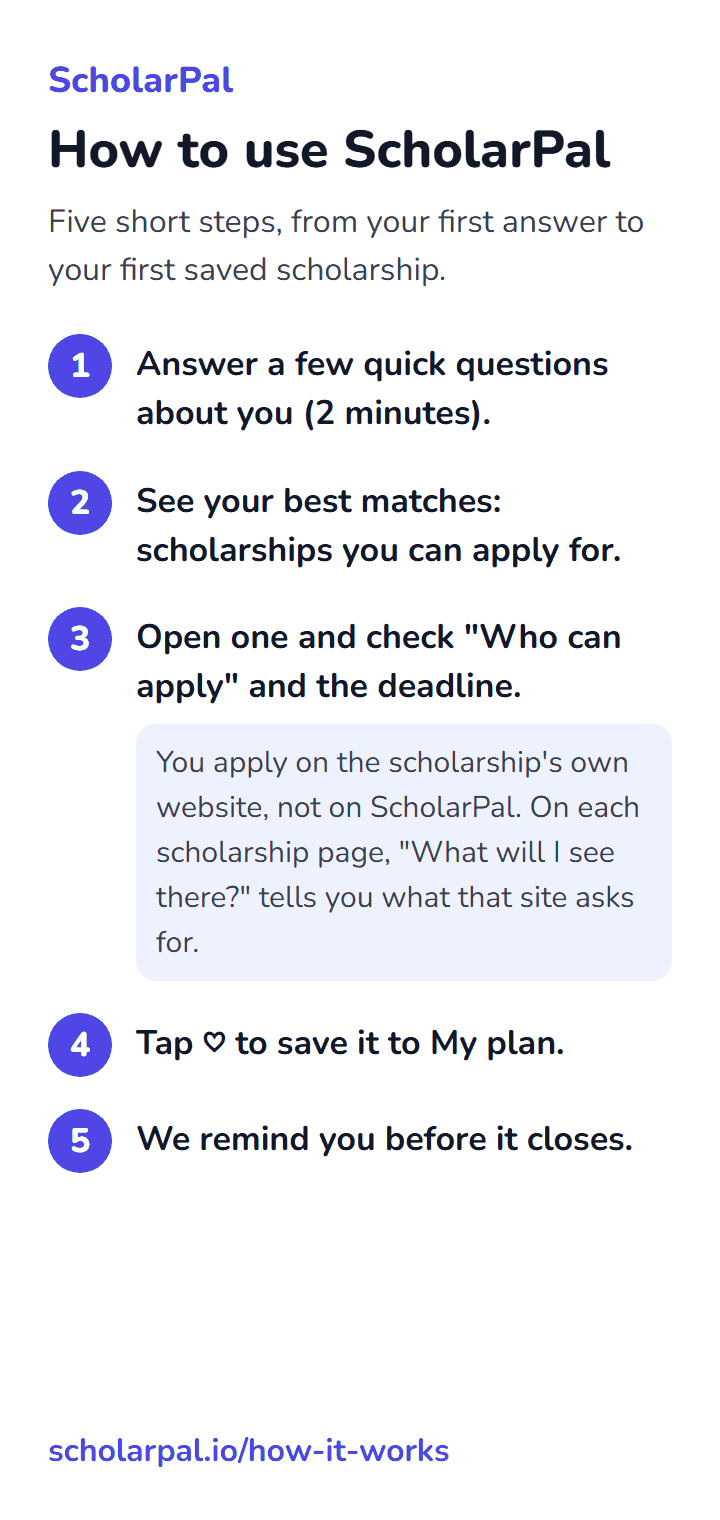
Five short steps, from your first answer to your first saved scholarship.
Answer a few quick questions about you (2 minutes).
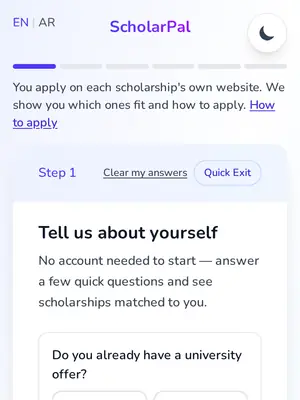
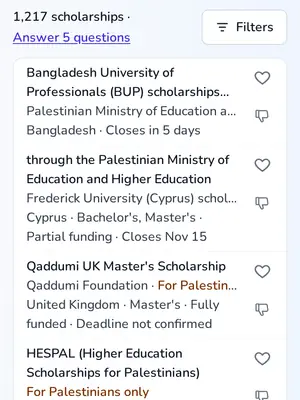
See your best matches: scholarships you can apply for.
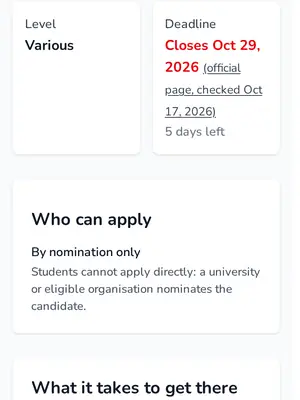
Open one and check "Who can apply" and the deadline.
You apply on the scholarship's own website, not on ScholarPal. On each scholarship page, "What will I see there?" tells you what that site asks for.
Tap ♡ to save it to My plan.
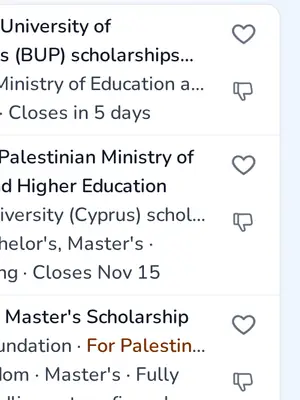
We remind you before it closes.
How to use ScholarPal
The same five steps as one picture or PDF. Keep it on your phone, or send it to a friend.
Share ScholarPal
Know classmates looking for a scholarship? Send them the guide and this message.
The message
I found ScholarPal, a free site that shows the scholarships you can apply for, including awards for Palestinian students. Start with the five steps here:
WhatsApp links carry text only. To send the picture too, download it and attach it in the chat.
Getting started
Build your profile
Tell us about yourself. It takes 2 minutes.
Start from your situation: Displaced from GazaLiving in another Arab countryIn the West Bank or Gaza
Find your matches
Explore scholarships that fit your profile.
Check your fit
See where you stand before applying.
Stay on track
Keep your applications and deadlines organized.
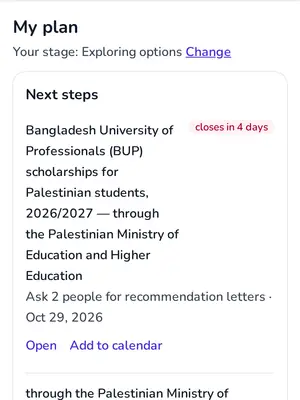
Why create an account?
- See every match, ranked for your profile
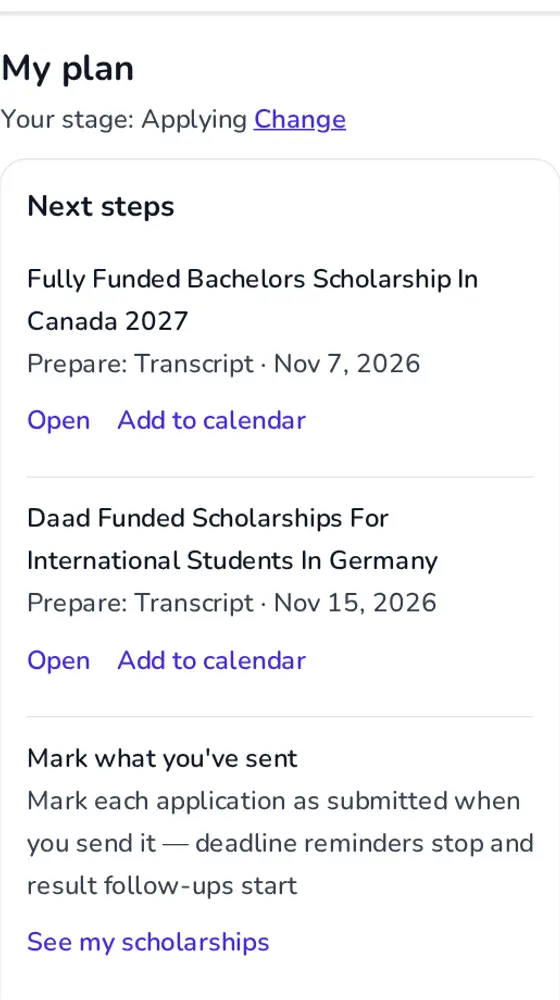
- Save them to My plan
- Get deadline reminders
What each step adds
Start with the basics. Add more whenever you're ready.
Guest (Level 1)
No account needed
- Browse all scholarships
- Search & filter the full catalog
- View scholarship details
Registered (Level 2)
Create a free account
- Personalised "For You" recommendations
- Save scholarships & track applications
- My plan, with your progress
Basic profile (Level 3)
Add nationality, education level, field of study
- Personalized match scores
- Financial gap analysis
- Profile improvement suggestions
Test scores (Level 4)
Add IELTS — an English-language test many universities require, TOEFL, GRE, or other scores
- Precision test-score filtering
- MOI letter — a letter from your university saying you were taught in English; some programs accept it instead of IELTS waiver detection
- Duolingo acceptance flagging
Full profile (Level 5)
Add family info, displacement status, financial details
- Family-aware matching (spouse, dependents)
- Displacement & refugee eligibility
- How you compare with past winners, and what's most likely to stop you being accepted